Accessibility in web software is a mature topic. Accessibility in physical interactive installations is a different problem set, and one the immersive industry has historically been worse at. The constraints are different - the surface is physical, the input modalities are unusual, the audience is often transient - but the principle is the same: an installation that excludes part of its audience is failing at its job.
Here's a practical framework for making interactive installations work for more of the people who encounter them.
Physical reach and height
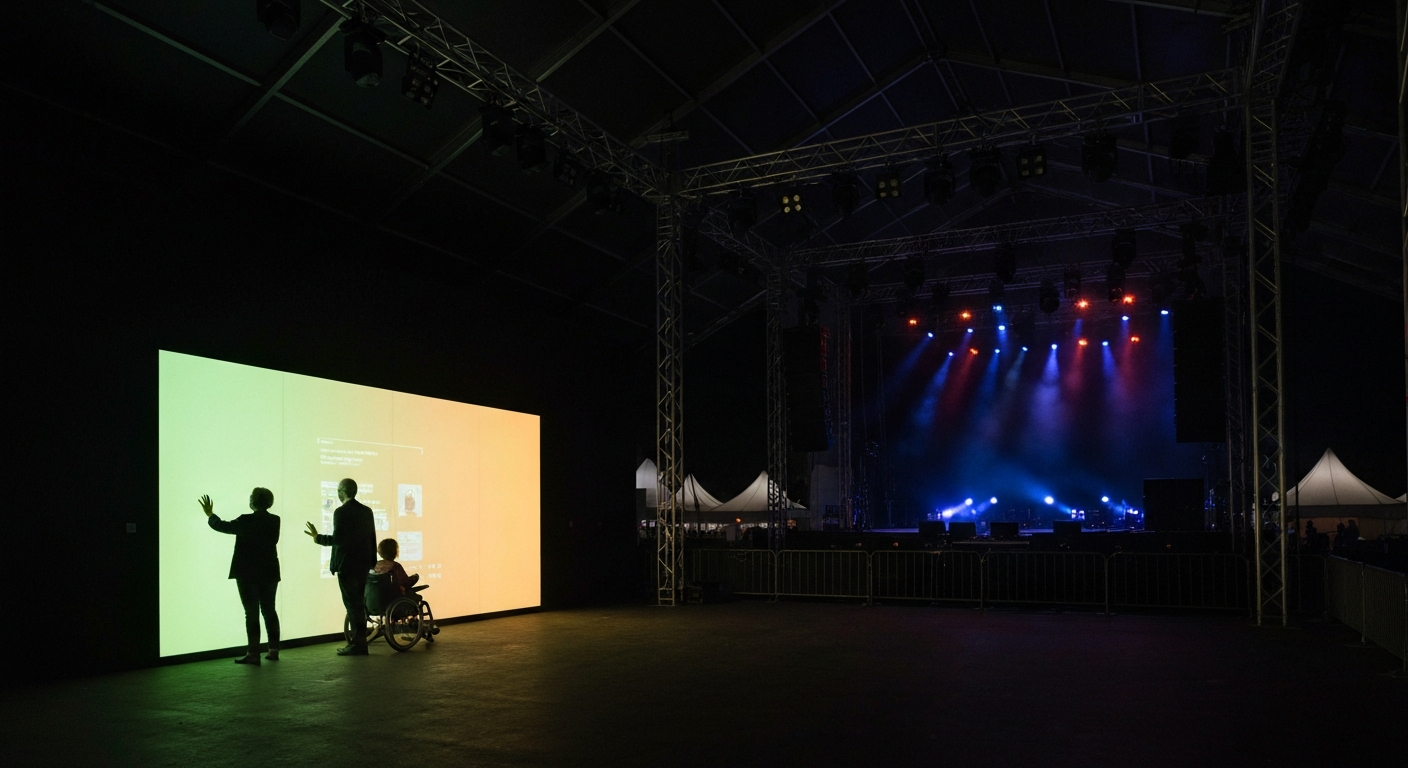
The first accessibility question for any touch-based installation is who can physically reach it. The ADA requires forward reach accessible between 15 and 48 inches from the floor, and side reach between 9 and 54 inches. Most kiosks ship with displays mounted higher than this - designers default to eye-level for an average adult, which excludes wheelchair users, children, and shorter adults.
The practical fix: mount displays so the active touch area falls within the 15-48 inch reach envelope, and angle the display downward enough that seated users can read it without craning. Where wall-mount is required, a secondary lower control surface can mirror the primary interaction. This is a design decision that costs nothing if made at the start and becomes a retrofit nightmare if it isn't.
Input alternatives
Touch is not the only input modality, and shouldn't be the only one supported for installations that expect diverse visitors. Useful alternatives:
- Voice input for visitors who can't precisely operate a touchscreen.
- Gesture or presence input for visitors who can't touch at all.
- Dwell-to-select for visitors whose motor control isn't precise.
- Companion devices - a phone or tablet the visitor can use from a more comfortable position.
Not every installation needs all of these. Every installation should have at least one alternative to precise touch, chosen based on the expected audience and the physical context.
Visual and auditory accommodations
Vision-impaired visitors benefit from high-contrast modes, adjustable text size, and audio descriptions of visual content. Hearing-impaired visitors benefit from captions on any audio narration and visual indicators for audio cues. Color-blind visitors benefit from color schemes that don't rely on red-green discrimination.
These accommodations are the same as web accessibility, adapted for the physical context. A captioning layer on an installation's audio track is a one-week engineering task that makes the installation work for a population that would otherwise be excluded.
Language
An installation in a public venue in the US is going to have non-English-speaking visitors. Design for them. Icons over words where possible. Language selection prominent in the UI. Content available in at least two languages, usually English plus whatever the primary non-English language of the venue's neighborhood is. For international-tier venues, more.
Auto-translation tools have gotten good enough that maintaining multi-language content is no longer prohibitively expensive. Budget for it at the design stage, not as a post-launch retrofit.
Children
Children are a significant part of most public-installation audiences and they interact with interactive systems differently. They touch harder, drag faster, and explore randomly rather than goal-directedly. An installation that breaks under child use is an installation that's going to break, because kids will find the edge cases adults don't.
Test with actual children before launch. They will use the installation in ways nobody on the design team considered, and they will find the failure modes. This is the single most reliable quality assurance process for interactive installations.
Accessibility isn't a feature. It's a measure of how many of your visitors your installation is actually for. Anything less than everyone is a design choice with consequences.
Budget for it
The installations that do accessibility well started at the design stage and treated it as a first-class constraint. The ones that do it badly added it at the end, or not at all. The total cost difference between the two approaches is small - maybe 5-10 percent of the build - but the result is dramatically different. Make the choice up front.