Most web developers who get handed a kiosk project build a web app and ship it to a touchscreen. Six months later the kiosk is either hard-locked, showing the wrong screen, or quietly broken in a way the client hasn't noticed yet. The problem isn't that web developers are bad. It's that a kiosk is a different product category, with different constraints, and treating it like a website is a category error.
Here's what actually changes when you build for a public touchscreen instead of a browser window.
The kiosk is the app plus the room it lives in
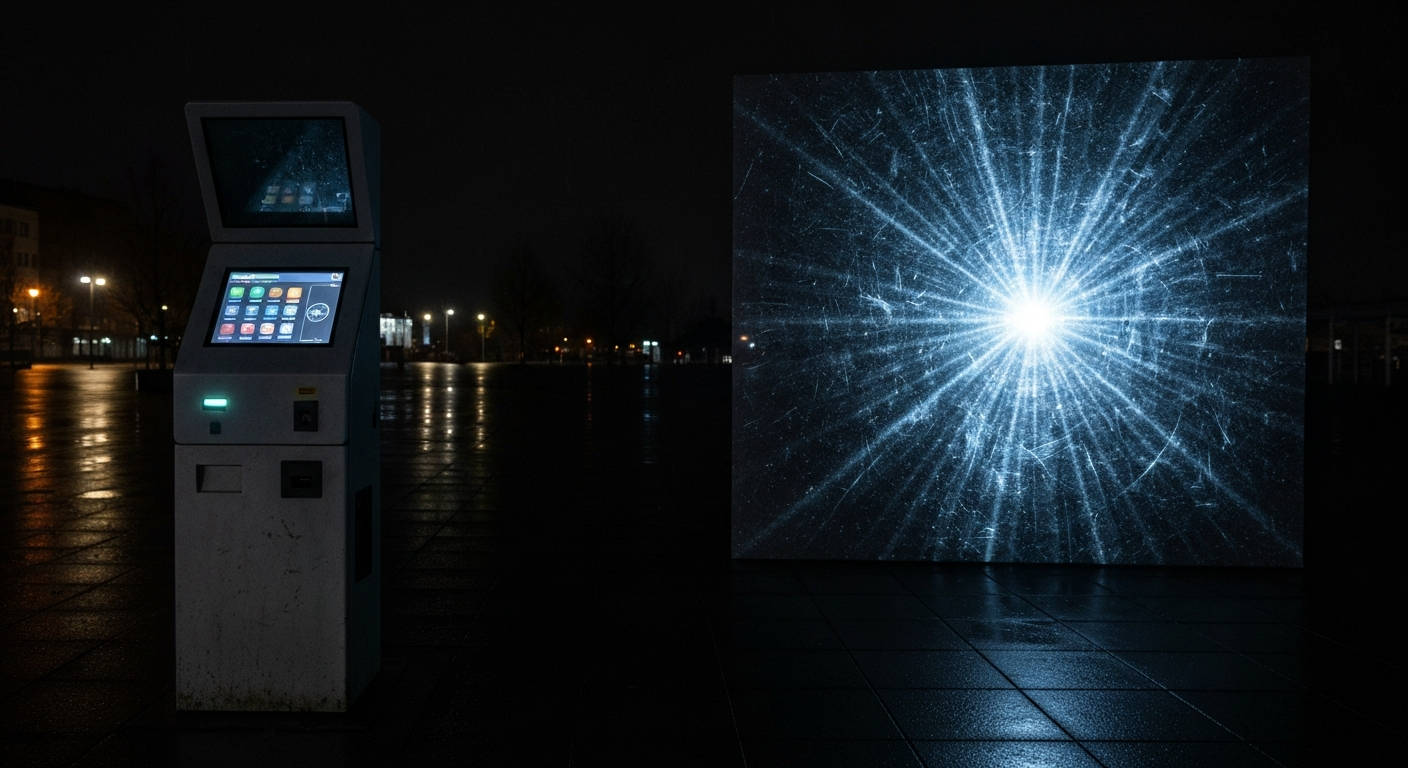
A web app's job is to render correctly and respond to clicks. A kiosk's job is to be a functioning exhibit in a physical space for 12 hours a day, every day, with no operator in front of it. That means the software is responsible for things browsers never worry about: idle behavior, crash recovery, hardware failure, accidental input, and a screen that will get touched by kids, gloves, cleaning rags, and curious elbows.
None of this is hypothetical. A kiosk that crashes and shows a Chrome error is failing at its core job. A kiosk that works but is stuck on screen 4 at closing time is also failing. A kiosk that's correct every frame it renders but stops rendering at 3 PM is failing.
Memory leaks are existential
On the web, a memory leak is a slow annoyance - users close the tab. On a kiosk running the same page for 12 hours, a 40 megabyte per hour leak turns into a black screen by afternoon. The solutions are well-known and easy to forget: dispose every texture, buffer, and GPU resource the moment it's off-screen, watch for event-listener buildup on long-lived DOM nodes, and rebuild any subsystem that allocates non-trivially on each user interaction.
A useful discipline: treat every "scene" the app can enter as a slot that owns all of its resources, and build a full tear-down path for each slot. On any state transition - idle reset, quiz reset, scheduled rebuild - null-out every slot and rebuild. Nobody's touching the screen during a scheduled rebuild; the GPU thanks you.
Touch is not mouse
There is no hover. There is no reliable double-click. There is no keyboard unless you built an on-screen one (and if your UI needs one, you did build one - badly, the first time). Touch targets need to be enormous - a practical minimum is 72 pixels square for adults, 96 pixels for anything children will use. If the UI feels comfortable to a designer on a mouse, it will feel cramped to an eight-year-old on a touchscreen.
Secondary but important: touch events fire differently than mouse events. A dragged finger can fire dozens of pointermove events per second and freeze a UI that's doing layout thrash on each one. Throttle. Test with an actual hand, not a developer's mouse.
The idle screen is a first-class feature
Most of a kiosk's runtime, nobody is using it. The default behavior should be a deliberate, attractive idle state - looping video, an attract screen, an invitation to touch. If the app crashes, the idle state is also the recovery point: a watchdog in the embedding shell should kill the page and reload it straight into idle, not into whatever screen the user happened to be on when things went sideways.
Ship the monitoring, not just the app
Kiosks without remote monitoring are guaranteed to drift into broken states you only hear about from a facilities manager a week later. Build in a heartbeat that reports back every few minutes. Pipe JavaScript errors to Sentry or equivalent. Capture a screenshot of the current screen on every heartbeat so you can look at the kiosk without physically visiting it.
A kiosk isn't the app. It's the app, the enclosure, the input hardware, the screensaver, the recovery path, and the heartbeat. Anything less and you've shipped a demo, not an exhibit.